
What we looked at
-
 Highest rated
HP 14" HD Chromebook Laptop for Students, Intel Quad-Core N4120(> N4020),…
8.8/10
See price
Highest rated
HP 14" HD Chromebook Laptop for Students, Intel Quad-Core N4120(> N4020),…
8.8/10
See price
-
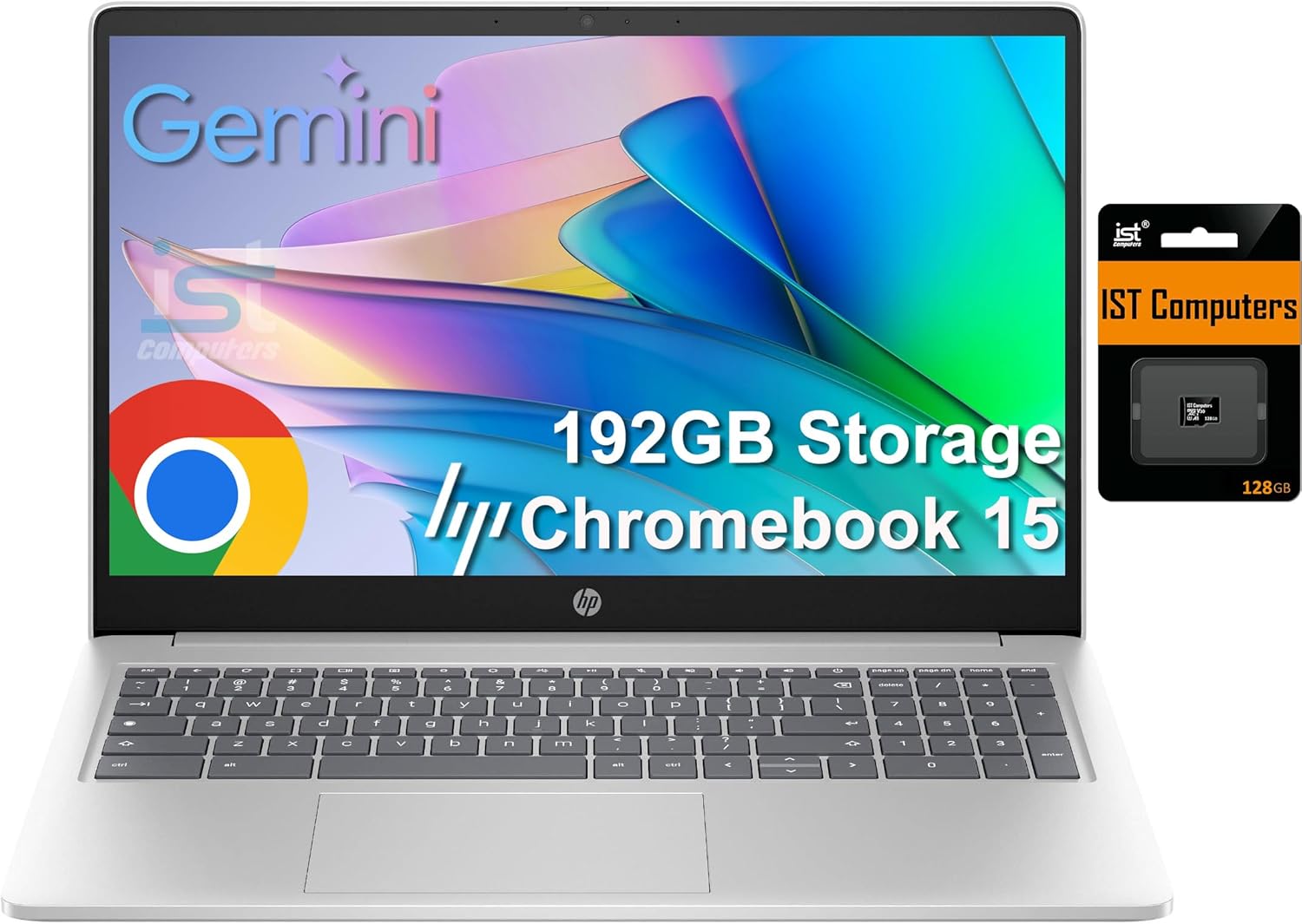
 HP Chromebook 15 15.6" Laptop, Intel N200, 8GB DDR5 RAM, 192GB…
8.8/10
See price
HP Chromebook 15 15.6" Laptop, Intel N200, 8GB DDR5 RAM, 192GB…
8.8/10
See price
-
 Reviewed here
ASUS Chromebook C523 Laptop, 15.6" HD NanoEdge Display with 180 Degree…
8.4/10
See price
Reviewed here
ASUS Chromebook C523 Laptop, 15.6" HD NanoEdge Display with 180 Degree…
8.4/10
See price
-
 Lenovo Flagship Chromebook, 14'' FHD Touchscreen Slim Thin Light Laptop Computer,…
8.4/10
See price
Lenovo Flagship Chromebook, 14'' FHD Touchscreen Slim Thin Light Laptop Computer,…
8.4/10
See price
As Amazon Associates, we earn from qualifying purchases. This means we may receive a small commission at no extra cost to you if you click through and make a purchase.
Managing everyday family computing often turns into a frustrating compromise between small, cramped screens and heavy, overly complex machines. Between children completing homework assignments, parents organizing household finances, and family members streaming educational videos, shared living spaces need a portable computer that provides plenty of visual breathing room without ongoing maintenance headaches. The ASUS Chromebook C523 addresses this common need by pairing a large 15.6-inch anti-glare display with a lightweight 3.2-pound chassis, giving households an accessible digital workstation that boots in seconds and keeps individual user profiles neatly separated.
Our verdict centers on practical household value and screen real estate. While power users needing local video rendering might explore higher-tier alternatives like the asus chromebook plus cx34, this Chromebook delivers a reliable, streamlined environment for everyday web navigation. Its combination of a lay-flat display hinge, practical USB port options, and automated cloud backups makes it an appealing, low-maintenance fixture for the kitchen counter, home desk, or student study space.



Quick Verdict

The ASUS Chromebook C523 is a straightforward, large-screen laptop built for web browsing, school assignments, and family media viewing. It prioritizes generous screen real estate and rapid startup speeds over heavy local processing power, delivering a dependable shared hub for everyday household tasks.
- Spacious 15.6-inch anti-glare NanoEdge display with ultra-narrow bezels keeps text and video comfortably visible.
- Sturdy 180-degree lay-flat hinge makes tabletop sharing and group study projects effortless.
- Slim 0.61-inch profile and 3.2-pound weight make carrying a 15-inch laptop remarkably easy.
- Chrome OS provides automated updates, integrated virus protection, and quick multi-user switching.
ASUS Chromebook C523 Features Explained
15.6-Inch NanoEdge Anti-Glare Display
The standout feature of this laptop is its full-sized 15.6-inch panel, framed by an ultra-narrow NanoEdge bezel. By trimming the physical border around the screen, ASUS provides an expansive visual area while maintaining a compact overall footprint. The standard 16:9 widescreen aspect ratio matches modern online streaming formats, school research platforms, and digital documents. For shared living spaces with unpredictable lighting, the anti-glare coating reduces harsh reflections from overhead fixtures and sunny windows, helping prevent eye fatigue during homework sessions.
Running at an HD resolution of 1366×768, the asus chromebook c523 display renders icons, application windows, and reading materials at a comfortable scale. While it offers lower pixel density than a Full HD panel, this larger native scaling makes reading easy for younger learners and older family members without requiring constant browser zoom adjustments. The screen produces clear visuals for web portals, educational clips, and family spreadsheets throughout daily household routines.
Versatile 180-Degree Hinge and Chassis Durability
Physical flexibility is an important advantage in busy households, and the asus chromebook c523 180 degree hinge allows the display to recline entirely flat against a table. This lay-flat orientation simplifies collaborative study, allowing siblings or study partners to review assignments, examine digital diagrams, or look through family photo albums together without having to crowd directly over the keyboard. While convertible models like the asus flip touchscreen chromebook fold completely into a handheld tablet form, this traditional clamshell design retains a stable keyboard base while delivering versatile tabletop viewing.
In terms of build quality, the asus chromebook c523 durability is supported by a clean silver metallic finish that resists typical daily handling marks. Despite its 15.6-inch screen size, the laptop measures only 0.61 inches thick and weighs 3.2 pounds. This slender profile allows children to carry it safely from room to room, while easily fitting into student backpacks or resting on a family shelf when homework is finished.
Intel Dual-Core Celeron N3350 Performance
Powering the system is an Intel Dual-Core Celeron N3350 processor with a 2M cache and speeds up to 2.4 GHz, complemented by 4GB of DDR3 RAM and integrated Intel HD Graphics 500. This internal hardware is configured specifically for cloud-focused productivity and web navigation. During typical use, the asus chromebook c523 performance remains smooth when managing school portals, web-based email, video playback, and collaborative documents in Google Docs.
Because the laptop relies on shared graphics memory and an entry-level dual-core CPU, it is intended strictly for light daily tasks rather than intensive software editing. For asus chromebook c523 daily use, keeping open tabs within reasonable numbers ensures quick transitions between apps. When used as a family computing terminal, it starts up in seconds, operates quietly, and manages online research reliably without noticeable heat or lag.
Chrome OS Simplicity, Cloud Storage, and Essential Connectivity
The device runs on Chrome OS, Google’s lightweight operating system centered on security, simplicity, and cloud convenience. Chrome OS features integrated virus protection and performs automatic updates in the background, removing the need for manual virus scans or tedious system maintenance. Built-in automatic backup software guarantees that student projects and personal bookmarks sync directly to Google cloud accounts, allowing multiple family members to share the laptop without mixing their personal files.
Connectivity options cover both modern and standard peripherals with USB Type-C (Gen 1) and USB Type-A ports. Local storage is provided by a 32GB eMMC hard drive using a Serial ATA interface. While 32GB is a modest local capacity, Chrome OS is built to prioritize cloud storage, keeping documents safely stored in Google Drive. The laptop also supports Wi-Fi, Bluetooth, and standard accessories including external displays, mice, keyboards, and home printers without complicated driver installations.
Specs
| Attribute | Detail |
|---|---|
| Model | ASUS Chromebook C523 (C523NA-DH02) |
| Screen Size and Aspect Ratio | 15.6 inches, 16:9 widescreen |
| Resolution and Display Features | HD (1366×768), Anti-Glare Coating, Ultra-Narrow NanoEdge Bezel |
| Hinge Design | 180-degree lay-flat hinge |
| Processor | Intel Dual-Core Celeron N3350 (2M Cache, up to 2.4 GHz) |
| Graphics | Intel HD Graphics 500 (Integrated / Shared Memory) |
| System Memory | 4GB DDR3 RAM |
| Storage Drive | 32GB eMMC (Serial ATA interface) |
| Operating System | Chrome OS with automatic updates and virus protection |
| Ports and Wireless | USB Type-C (Gen 1), USB Type-A, Wi-Fi, Bluetooth |
| Dimensions and Weight | 14.09″ W x 9.76″ L x 0.61″ Th; 3.2 pounds |
| Camera and Warranty | Front-facing camera; 1-year warranty |
ASUS Chromebook C523 Pros and Cons
What we like
- Generous 15.6-inch anti-glare display with narrow bezels
- Flexible 180-degree lay-flat hinge for easy sharing
- Lightweight 3.2-pound chassis for a 15-inch laptop
- Dual USB Type-C and Type-A port selection
- Fast boot times and automatic Chrome OS security updates
What we’d change
- Modest 32GB eMMC internal storage capacity
- Standard 1366×768 HD resolution on a large screen
- Dual-core Celeron processor limits intensive multitasking
Check ASUS Chromebook C523 on Amazon
Best Use Cases
- Completing daily schoolwork, writing essays, and conducting web research through cloud educational platforms.
- Serving as a central household workstation for managing schedules, checking email, online banking, and tracking family tasks.
- Streaming instructional clips, recipes, and casual media on an anti-glare screen that reduces room reflections.
- Collaborating on shared study projects where laying the screen flat allows several people to review notes simultaneously.
Before You Buy
Shoppers examining the asus chromebook c523 specs should carefully evaluate their storage and resolution requirements before making a purchase. With 32GB of eMMC storage, this laptop is engineered for cloud-centric workflows rather than saving large local video libraries or heavy file archives. Chrome OS reserves a portion of this local drive for operating system maintenance and automatic backup caching, making reliable home internet and cloud storage platforms essential components of daily operation.
Display scaling is another consideration. Because the 15.6-inch screen features an HD resolution of 1366×768 rather than Full HD 1080p, application windows and text appear larger, which benefits readability but offers less desktop space for placing multiple wide documents side-by-side. Additionally, the manufacturer listing does not specify battery capacity in milliamp-hours, estimated battery runtime, or specific rugged drop ratings. Families should also verify that their schools or workplaces rely on web-based apps rather than proprietary Windows or macOS software programs.
How It Compares With Similar Picks
| Product | Best For | Key Difference |
|---|---|---|
| ASUS Chromebook C523 | Families seeking a lightweight 15.6-inch screen with a 180-degree lay-flat hinge | 15.6-inch HD anti-glare screen, Intel Dual-Core Celeron N3350, 4GB RAM, 32GB eMMC |
| HP 14″ HD Chromebook Laptop | Students wanting a compact carry size and quad-core CPU performance | Smaller 14-inch screen, Intel Quad-Core N4120, 64GB eMMC, and 14-hour battery claim |
| 64GB eMMC | Households needing a numeric keypad and substantially more memory | 15.6-inch HP laptop with Intel N200, 8GB DDR5 RAM, 192GB total storage, and numeric keyboard |
| Lenovo Flagship Chromebook | Users wanting a sharper Full HD touchscreen and updated wireless standards | 14-inch Full HD touchscreen, 8-Core MediaTek Kompanio 520, 64GB eMMC, and WiFi 6 |
Choosing between these models comes down to your preferences for screen size, typing input, and local storage capacity. The ASUS Chromebook C523 is ideal for family members who prioritize a wide screen, minimal carry weight, and a flat-folding hinge for shared reading. If your student needs a smaller, backpack-friendly frame with quad-core capability and extended battery life, the HP 14″ HD Chromebook Laptop is a practical alternative. Meanwhile, users managing frequent numeric data will appreciate the dedicated keypad and higher RAM of the 64GB eMMC HP 15 model, and shoppers desiring a high-resolution touch interface will prefer the Lenovo Flagship Chromebook.

Bottom Line
Finding the right shared laptop comes down to balancing physical usability, reliable security, and low daily maintenance. The asus chromebook c523 family laptop achieves this balance by offering a full-sized 15.6-inch screen inside a slender 3.2-pound chassis, driven by the straightforward protection of Chrome OS. Because it boots quickly, updates automatically, and includes built-in virus safeguards, any family member can open the lid, sign in, and complete their digital tasks without technical hurdles.
So, is asus chromebook c523 worth it for your household? If you need an accessible secondary computer for everyday browsing, document editing, and online classes, it delivers dependable utility. It works especially well as an asus chromebook c523 for students who benefit from an anti-glare screen and a 180-degree hinge for shared tabletop work. As long as you plan around its cloud-centric 32GB storage and entry-level dual-core processor, the ASUS Chromebook C523 represents a sensible, stress-free addition to any home.
FAQ
Can the ASUS Chromebook C523 run Microsoft Office desktop software?
No, the ASUS Chromebook C523 runs Chrome OS and cannot install traditional Windows .exe programs. However, users can access web-based versions of Microsoft Office through the browser or utilize cloud-based applications like Google Docs, Sheets, and Slides.
Does the ASUS Chromebook C523 feature a touchscreen?
The listing describes a 15.6-inch HD anti-glare NanoEdge display with a 180-degree lay-flat hinge, but it does not specify touchscreen capabilities. Navigation is performed using the built-in keyboard, trackpad, or connected external USB and Bluetooth mice.
How does the 180-degree hinge help with family use?
The 180-degree hinge lets the screen lay completely flat on a table. This allows multiple family members or classmates sitting around a desk to view documents, collaborate on homework, and share presentations simultaneously without passing the device back and forth.
Can I expand the storage on the ASUS Chromebook C523?
The laptop comes equipped with 32GB of internal eMMC storage. While the internal drive is fixed, users can connect external hard drives, flash drives, or solid-state drives using the USB Type-A and USB Type-C ports, as well as storing files in Google Drive.
Does the ASUS Chromebook C523 have a camera for school video calls?
Yes, the specifications list an integrated front-facing camera. Combined with the laptop’s Wi-Fi connectivity and Chrome OS browser support, the camera enables students and parents to join virtual classrooms, work meetings, and family video chats.


