What we looked at
-
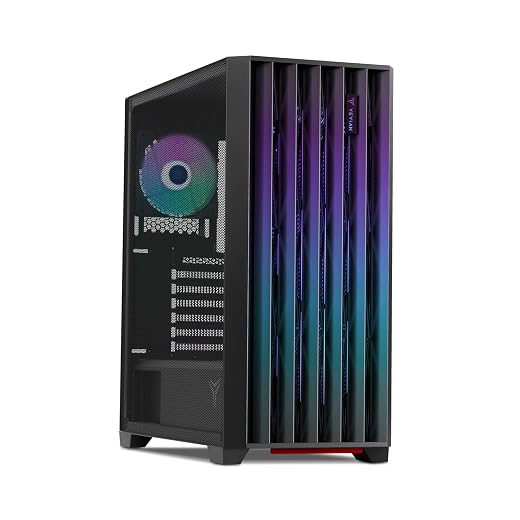
 msi Codex Z2 Gaming Desktop, AMD R7-8700F, RTX 5070, 32GB DDR5,…
8.6/10
See price
msi Codex Z2 Gaming Desktop, AMD R7-8700F, RTX 5070, 32GB DDR5,…
8.6/10
See price
-
 GMKtec NEO-X1 PRO Gaming PC AMD Ryzen 9 9955HX3D CPU with…
8.4/10
See price
GMKtec NEO-X1 PRO Gaming PC AMD Ryzen 9 9955HX3D CPU with…
8.4/10
See price
-
 Reviewed here
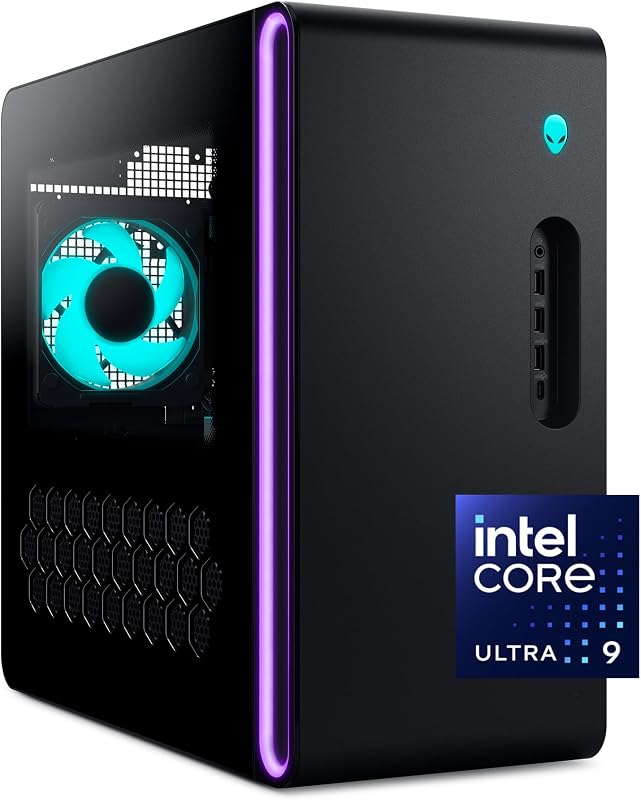
Alienware Aurora Gaming Desktop, RTX 5080, Intel Core Ultra 9 285
8.6/10
See price
Reviewed here
Alienware Aurora Gaming Desktop, RTX 5080, Intel Core Ultra 9 285
8.6/10
See price
-
 Highest rated
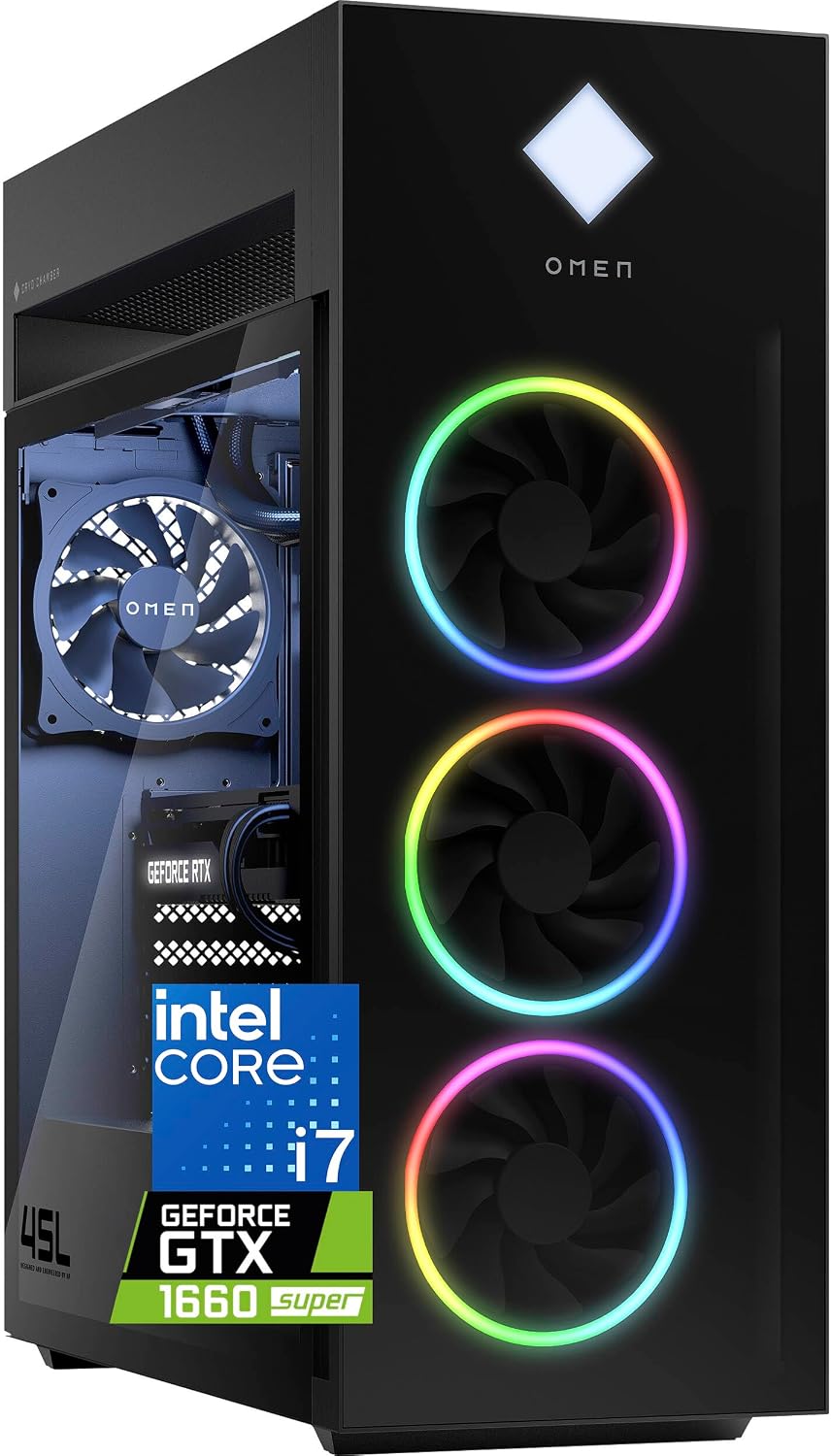
HP OMEN 45L Gaming Desktop, 32GB RAM, 1TB SSD, Intel Core…
9.6/10
See price
Highest rated
HP OMEN 45L Gaming Desktop, 32GB RAM, 1TB SSD, Intel Core…
9.6/10
See price
As Amazon Associates, we earn from qualifying purchases. This means we may receive a small commission at no extra cost to you if you click through and make a purchase.
When a household shares a central computer for enthusiast gaming, school projects, and high-resolution multimedia, standard family PCs quickly encounter performance bottlenecks. Many households struggle to find a pre-built computer tower that delivers enough graphics power to play modern titles without generating excessive acoustic noise or turning the den into a furnace. Investing in a desktop for shared family use requires balancing component longevity, dependable thermal control, and simple day-to-day operation. The Alienware Aurora RTX 5080 addresses these demands by combining an Intel Core Ultra 9 processor with cutting-edge Blackwell graphics in an enclosure focused on low noise and steady airflow. For families who remember older pre-built systems like the alienware aurora r11, this modern iteration represents a notable shift toward refined acoustics and cleaner power delivery.
Our verdict is that this system offers an outstanding foundation for long-term household computing, provided you have dedicated desk space for its substantial footprint. Equipped with a 240mm liquid cooling heat exchanger and backed by in-home technician support, it removes the maintenance hurdles commonly associated with high-end desktop hardware. It is not an ultra-compact setup, but its premium build quality and high performance headroom make it a reliable centerpiece for serious gamers and creative households alike.


Quick Verdict
The Alienware Aurora RTX 5080 is a robust, enthusiast-tier gaming tower designed for families who want turnkey access to next-generation graphics without the hassle of custom PC assembly. Its liquid-cooled processor and high-wattage power supply ensure consistent stability during demanding workloads, while included onsite service provides genuine long-term peace of mind.
- Powered by the Intel Core Ultra 9 285 and NVIDIA GeForce RTX 5080 Blackwell GPU for unmatched longevity.
- Dedicated 240mm heat exchanger water cooling system keeps operating temperatures low and fan acoustics reduced.
- Backed by Dell 1-Year Onsite Service for hands-off home hardware repairs.
- Substantial 33.9-pound tower requires dedicated desk clearance and a stable power source.
Alienware Aurora RTX 5080 Features Explained
Intel Core Ultra 9 285 and NVIDIA Blackwell Graphics
At the center of this machine is the combination of the Intel Core Ultra 9 285 processor and the NVIDIA GeForce RTX 5080 graphics card. Built on NVIDIA’s Blackwell architecture, the GPU handles advanced ray tracing, high-resolution rendering, and complex graphics workloads with ease. The Core Ultra 9 processor provides ample multi-threaded throughput, ensuring that background tasks do not interrupt gaming sessions. This pairing gives the alienware aurora core ultra 9 285 configuration immense computing power, capable of handling modern titles alongside demanding productivity tasks.

For parents and gamers considering the alienware aurora rtx 5080 for family gaming, this component tier provides years of runway. Whether teenagers are running competitive multiplayer titles at high frame rates or family members are editing 4K home video, clean energy delivery ensures stability over marathon sessions. If you are comparing configurations with similar flagships, our review of the alienware aurora gaming desktop act1250 – intel core ultra 9 285 processor, liquid cooled, nvidia ge provides additional context on how this processor behaves under sustained household loads.
240mm Liquid Cooling and Acoustic Engineering
High-end processors generate significant thermal output, which can cause fans to spin loudly in standard air-cooled chassis. The alienware aurora rtx 5080 cooling performance benefits directly from a factory-installed water cooling loop featuring a 240mm heat exchanger. This liquid cooling setup heightens thermal resistance, transferring heat away from the processor quickly to ensure operating temperatures stay consistently low even during back-to-back gaming marathons.
Beyond maintaining low core temperatures, the cooling design prioritizes family-friendly acoustic management. The chassis is engineered to maximize continuous airflow while dampening fan noise, allowing the system to blend unobtrusively into a shared room or office. Furthermore, the closed-loop design ensures alienware aurora liquid cooling reliability, as it requires zero manual fluid refilling or complex tube maintenance from the user.
Legend Chassis and AlienFX Stadium Lighting
The desktop features Alienware’s Legend chassis design finished in a sleek matte “basalt black” coating. This optimized tower design balances exterior visual presence with structured internal component spacing. Structural rigidity is immediately noticeable; weighing 33.9 pounds, the tower resists wobbling and accidental bumps in high-traffic household areas, reflecting solid alienware aurora rtx 5080 build quality.
Aesthetic customization is managed through AlienFX lighting zones, headlined by perimeter stadium lighting along the front fascia. These lighting elements allow each family member to tailor the computer’s look to their preference or deactivate illumination entirely for distraction-free work. The exterior construction offers a modern, uncluttered appearance that fits naturally into both gaming setups and formal home offices.
Centralized Control with Alienware Command Center
Managing a shared desktop is simplified through the pre-installed Alienware Command Center software. This utility serves as a unified control hub where users can customize the AlienFX lighting zones across compatible peripherals and the desktop tower. It eliminates the need for scattered third-party utilities to configure internal RGB lighting.
Beyond visuals, the software allows users to switch between distinct performance modes and monitor system telemetry in real time. Household members can set custom profiles for their entire gaming library, shifting from a quiet acoustic mode for homework or web browsing to an aggressive performance profile when launching resource-intensive simulation games.
Turnkey Reliability with Dell 1-Year Onsite Service
One of the primary friction points of managing a high-performance PC is dealing with hardware failures. The Alienware Aurora includes Dell 1-Year Onsite Service, ensuring that technical support is readily accessible. If a hardware problem covered by the Limited Hardware Warranty cannot be resolved through remote troubleshooting, a certified technician will come directly to your home or office to complete the repair.
This level of support provides exceptional value for busy households without the time or technical background to diagnose motherboard, power, or component faults. Knowing that professional support handles internal hardware issues protects your investment and ensures alienware aurora desktop longevity throughout the initial year of ownership.
Specs
| Attribute | Detail |
|---|---|
| Operating System | Windows 11 Home |
| Processor | Intel Core Ultra 9 285 |
| Graphics Card | NVIDIA GeForce RTX 5080 (Blackwell Architecture) |
| Cooling System | Water Cooling with 240mm Heat Exchanger |
| Memory | 32GB DDR5 RAM |
| Storage | 1TB Solid State Drive (SSD) |
| Power Supply | 1000 Watts |
| Chassis Dimensions | 18.05 x 7.76 x 16.46 inches |
| Weight | 33.9 pounds |
| Connectivity Ports | USB 2.0, USB 3.2 Gen 1, USB 3.2 Gen 2, Ethernet, HDMI, DisplayPort, Bluetooth |
Alienware Aurora RTX 5080 Pros and Cons
What we like
- NVIDIA GeForce RTX 5080 Blackwell architecture
- 240mm heat exchanger liquid cooling
- High-power 1000-watt power supply
- 1 Year Onsite Service home repair
- Quiet airflow-optimized Legend chassis
What we’d change
- Substantial 33.9-pound chassis weight
- 1TB SSD capacity fills quickly
- Lacks integrated biometric fingerprint scanner
Check Alienware Aurora RTX 5080 on Amazon
Best Use Cases
- Playing modern graphics-heavy games at high frame rates and ultra settings using NVIDIA Blackwell architecture.
- Serving as a central family multimedia station for intensive tasks like 4K video editing and 3D modeling.
- Simultaneous game broadcasting and content streaming backed by the 24-core Intel Core Ultra 9 processor and 32GB of DDR5 RAM.
- Shared household environments where low acoustic noise and factory-backed onsite repair support are essential requirements.
Before You Buy
Before bringing this system home, verify that your dedicated workspace can handle its physical dimensions and electrical requirements. Measuring 18.05 inches long, 7.76 inches wide, and 16.46 inches high with a weight of 33.9 pounds, the tower requires a rigid, flat surface with adequate clearance for ventilation intake and exhaust. Its 1000-watt power draw also means it is best plugged directly into a grounded wall outlet or a heavy-duty surge protector rather than an overloaded extension strip. If you are exploring towers with standard chassis layouts, reading our evaluation of the legion tower 7i can help you gauge how Alienware’s specialized chassis dimensions compare with traditional desktop cases.
It is equally important to examine what comes in the package. The listing provides the complete desktop tower with Windows 11 Home, a 1TB SSD, and 32GB of DDR5 RAM, but the listing does not specify whether a keyboard, mouse, or video cables are included in the box. Families will need to supply their own monitor, input devices, and DisplayPort or HDMI cables. Regarding alienware aurora rtx 5080 maintenance, the closed-loop water cooler eliminates coolant handling, but keeping the exterior vents free of household dust through periodic external dusting remains recommended.
How It Compares With Similar Picks
| Product | Best For | Key Difference |
|---|---|---|
| Alienware Aurora RTX 5080 | Long-Term Family Gaming & Reliability | RTX 5080 Blackwell GPU, Core Ultra 9 285, 240mm liquid cooling, 1-year onsite service |
| NVIDIA GeForce RTX 5070 | Mainstream 1440p Gaming with Extra Storage | AMD R7-8700F processor, RTX 5070 graphics, and a larger 2TB SSD |
| 64GB DDR5 RAM | Compact Workstation Gaming | 14.6L small form factor chassis, AMD Ryzen 9 9955HX3D, 64GB DDR5 RAM, RTX 5070 |
| 12-Core i7-12700KF | Entry-Level Secondary Gaming | Older 12th Gen Intel Core i7, GTX 1660 Super graphics, and 800W power supply |
Choosing between these systems depends largely on your family’s graphics performance goals, space constraints, and budget priorities. If you require higher storage capacity out of the box for a massive game library and are content with lower tier rendering power, an alternative like the MSI Codex Z2 featuring the RTX 5070 and a 2TB drive offers a capable compromise. If desk real estate is severely constrained, the GMKtec NEO-X1 PRO provides a compact 14.6-liter footprint with double the system RAM, though it lacks the flagship rendering speeds of the 5080. For basic e-sports or older titles on a strict budget, the HP Omen 45L with its GTX 1660 Super provides an entry route, but it lacks the cutting-edge Blackwell architecture and longevity found in the Aurora.
Bottom Line
So, is alienware aurora rtx 5080 worth it for your household? If your family values hassle-free reliability, quiet operational thermals, and cutting-edge visual performance, the answer is yes. By combining the Intel Core Ultra 9 285 with NVIDIA’s Blackwell graphics architecture, this desktop eliminates the need for component upgrades for years to come. Its quiet 240mm liquid cooling loop keeps thermals in check during extended play, while Alienware Command Center lets each user personalize their profile and lighting.
While the heavy 33.9-pound tower demands a dedicated desk location and the initial 1TB storage drive may eventually require secondary expansion for large game libraries, the inclusion of Dell 1-Year Onsite Service provides invaluable protection. For households seeking an enthusiast-grade, turnkey gaming tower that delivers peace of mind and enduring speed, the Alienware Aurora RTX 5080 stands out as a dependable long-term investment.
FAQ
Does the Alienware Aurora RTX 5080 include a fingerprint reader?
No, the specifications confirm that this desktop tower features no fingerprint reader. User authentication is handled through standard Windows 11 Home account passwords or PINs.
What type of cooling does the Alienware Aurora RTX 5080 use?
The system utilizes a factory-sealed water cooling system equipped with a 240mm heat exchanger. This liquid cooling setup is engineered to maintain low operating temperatures while keeping fan noise reduced during intensive gaming or productivity sessions.
What video outputs are available for multi-monitor setups?
The desktop provides both HDMI and DisplayPort video outputs, allowing you to connect high-refresh-rate gaming monitors or multi-display configurations for work and creative tasks.
How much power does the desktop consume?
The desktop is equipped with a 1000-watt power supply unit, providing robust and clean power delivery to accommodate the Intel Core Ultra 9 processor and NVIDIA GeForce RTX 5080 GPU under full load.
What does the included Dell warranty cover?
The system includes 1 Year Onsite Service under Dell’s Limited Hardware Warranty. If a hardware issue cannot be diagnosed and resolved remotely, Dell will dispatch a technician directly to your home or office location to resolve the issue.