
What we looked at
-
 Reviewed here
Lenovo - Chromebook 3 11" Chromebook - AMD A6-4GB Memory -…
8.2/10
See price
Reviewed here
Lenovo - Chromebook 3 11" Chromebook - AMD A6-4GB Memory -…
8.2/10
See price
-
 Highest rated
HP 14" HD Chromebook Laptop for Students, Intel Quad-Core N4120(> N4020),…
8.8/10
See price
Highest rated
HP 14" HD Chromebook Laptop for Students, Intel Quad-Core N4120(> N4020),…
8.8/10
See price
-
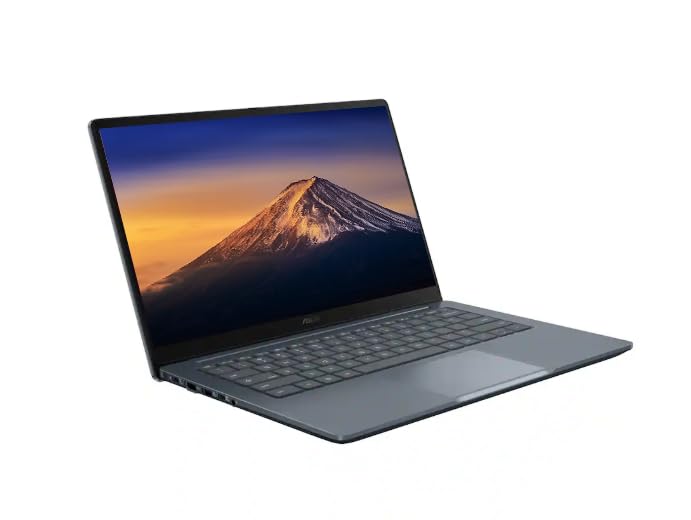 ASUS CX14 Chromebook Laptop for Business & Student, Intel Celeron N50…
8.6/10
See price
ASUS CX14 Chromebook Laptop for Business & Student, Intel Celeron N50…
8.6/10
See price
-
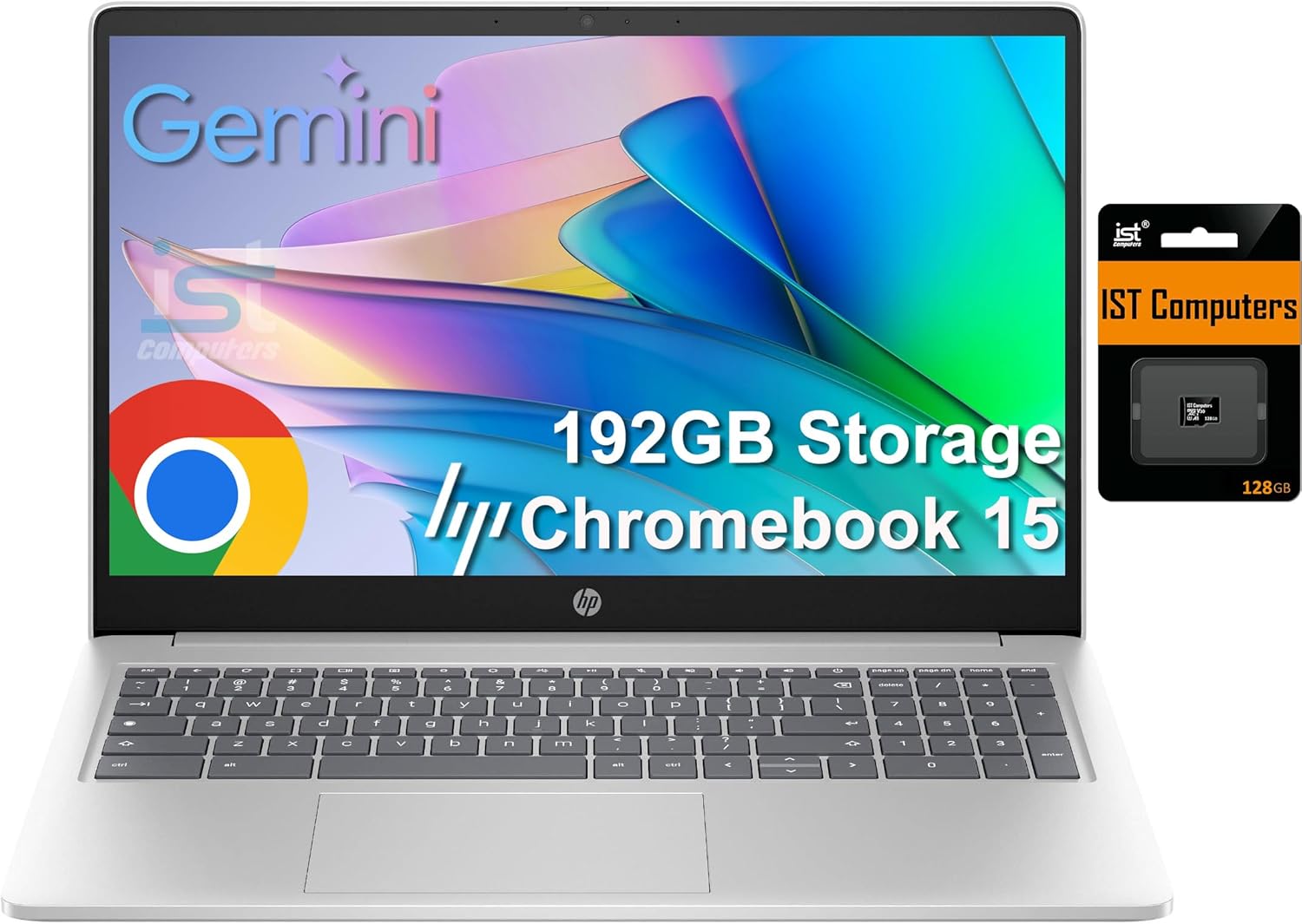
 HP Chromebook 15 15.6" Laptop, Intel N200, 8GB DDR5 RAM, 192GB…
8.8/10
See price
HP Chromebook 15 15.6" Laptop, Intel N200, 8GB DDR5 RAM, 192GB…
8.8/10
See price
As Amazon Associates, we earn from qualifying purchases. This means we may receive a small commission at no extra cost to you if you click through and make a purchase.
Managing daily schoolwork, homework portals, and household browsing often leads families into a frustrating search for a machine that is simple, resilient, and manageable. Bulky, complicated notebooks loaded with maintenance overhead can easily overwhelm younger learners or family members who only need reliable web access. The Lenovo Chromebook 3 11 addresses this challenge by providing a compact, lightweight computing platform designed around web-first tasks, elementary research, and straightforward multimedia streaming. With an ultra-portable 11-inch footprint, it solves the physical clutter and fragile handling issues common to larger portables, giving households a practical hardware option tailored for basic everyday workloads.
Our research into the specifications and intended design of this notebook indicates that it delivers a focused, cloud-centered computing experience ideal for shared household spaces. Operating on Chrome OS with integrated virus protection and native cloud backup tools, it prioritizes simplicity, instant wake times, and seamless Google ecosystem integration over heavy local processing. For parents and budget-conscious buyers seeking an approachable secondary computer or dedicated homework station, it offers an uncomplicated utility machine that minimizes technical troubleshooting.


Quick Verdict

The Lenovo Chromebook 3 11 provides a straightforward, lightweight option for students and families who need dependable access to web apps, Google Docs, and streaming video without excessive hardware complexity. While its compact dimensions and cloud-oriented operating system make setup effortless, buyers should recognize that its hardware configuration is strictly tuned for lighter web-based multitasking rather than intensive local computing.
- Lightweight 2.5-pound chassis makes it exceptionally easy to carry between rooms or pack into student backpacks.
- Dual-core AMD A6 processor balances cloud-based classroom applications, web navigation, and video playback.
- Integrated virus protection and Google Drive cloud backups ensure minimal software maintenance for family users.
- Dedicated MicroSD card reader provides practical expansion for the onboard flash storage.
Lenovo Chromebook 3 11 Features Explained
Dual-Core AMD A6 APU and Radeon Graphics
At the center of this machine is an AMD A6 APU paired with AMD Radeon R4 graphics, which combines dual-core processing and graphical acceleration onto a single piece of silicon. This integrated architecture balances computing routines and graphical output, allowing the system to run web browsers, video streams, and educational software simultaneously. Evaluating the Lenovo Chromebook 3 AMD A6 performance shows that it is engineered specifically for everyday web tasks rather than heavy media rendering or demanding gaming.
The inclusion of AMD Radeon graphics support means casual multimedia, video conferencing through the front camera, and browser-based educational tools run smoothly within typical usage boundaries. Because the processor is designed to balance resource loads efficiently, the machine operates cleanly when navigating between Google Drive files, Hangouts communications, and educational platforms without excessive heat generation.
Compact 11-Inch High-Definition Display
The notebook features an 11-inch screen offering a typical 1366 x 768 HD resolution, a standard format that delivers clear text and legible graphics across browser tabs and digital worksheets. This form factor keeps the overall hardware dimensions compact, preventing the device from taking over a kitchen table, shared desk, or small classroom workstation. For younger learners, the smaller display proportions also align well with standard viewing distances without creating an unwieldy profile.
Beyond classroom duties, the 1366 x 768 resolution adequately supports video playback, family recipe viewing, and routine email reading. While it does not offer ultra-high-definition density, it balances visual clarity with energy-efficient operation, enabling the display to illuminate spreadsheets and documents without draining battery capacity needlessly during daily household routines.
System Memory and Solid-State Flash Storage
The memory architecture includes 4GB of system memory, providing adequate capacity for basic multitasking such as keeping multiple browser tabs open, streaming audio in the background, and editing a cloud document. For modern web activities, 4GB acts as an entry-level standard, ensuring that students can pivot between homework assignments and research materials smoothly. When evaluating the Lenovo Chromebook 3 32GB storage configuration, it is clear that the machine relies on a web-first storage philosophy.
The 32GB eMMC solid-state flash memory provides rapid boot times and immediate app launches compared to traditional mechanical drives. Because Chrome OS relies predominantly on cloud storage through Google Drive, the 32GB internal capacity is reserved mainly for the operating system and essential offline application data. Users who require additional local file space can utilize the built-in memory card slot to expand their capacity with standard external cards.
Chrome OS Simplicity and Cloud Security
Software maintenance is often the most tedious part of home computing, but the Lenovo Chromebook 3 ease of use stands out thanks to its streamlined operating system. Chrome OS comes with built-in virus protection, automatic cloud backups, and seamless syncing with Google accounts right out of the box. Families sharing a single computer can establish separate user profiles with their own bookmarks, files, and settings, preventing siblings or parents from interfering with each other’s digital spaces.
The platform also includes native access to Google Drive, Hangouts, a media reader, and camera software, allowing family members to collaborate on documents or attend remote sessions with zero configuration hassle. Because security patches and system updates apply automatically in the background, the machine stays protected against digital threats without demanding manual administrative oversight from parents.
Lightweight Portability and Everyday Durability
Weighing in at a mere 2.5 pounds, the Lenovo Chromebook 3 11 durability and compact form factor make it an exceptional candidate for mobile household use. The Onyx Black finish resists visible smudges from everyday handling, while the exterior shell is compact enough to slide effortlessly into backpacks, tote bags, or storage bins. Its lightweight construction significantly reduces the risk of accidental drops when carried by smaller hands around the house.
This portable profile makes the device an adaptable Lenovo Chromebook 3 family laptop, whether it is stationed on a nightstand, packed for a weekend road trip, or moved from the dining table to the couch. Despite its travel-friendly footprint, the chassis accommodates essential physical ports, striking an effective balance between small physical dimensions and day-to-day practical usability.
Specs
| Attribute | Detail |
|---|---|
| Brand | LENOVO |
| Model Name | Lenovo Chromebook 3 11 |
| Processor | AMD A6 Dual-Core APU |
| Graphics Coprocessor | AMD Radeon R4 |
| System Memory | 4GB DDR DRAM |
| Internal Storage | 32GB eMMC Solid State Flash Memory |
| Display Resolution | Typical 1366 x 768 HD |
| Item Weight | 2.5 pounds |
| Color | Onyx Black |
| Operating System | Chromebook 3 (Chrome OS) |
| Connectivity & Ports | USB-C, USB-A, MicroSD Card Reader, Bluetooth |
| Camera Description | Front webcam |
Lenovo Chromebook 3 11 Pros and Cons
What we like
- Featherlight 2.5-pound frame for effortless portability
- Integrated virus protection with automatic cloud backups
- Built-in MicroSD card slot for storage expansion
- Dual-core AMD A6 APU balances web browsing and streaming
- Versatile connectivity with USB-C, USB-A, and Bluetooth
What we’d change
- Limited 32GB onboard eMMC flash storage
- Modest 1366 x 768 HD screen resolution
- Not compatible with legacy Windows executable software
Check Lenovo Chromebook 3 11 on Amazon
Best Use Cases
- Elementary and middle school homework assignments centered around Google Classroom, Docs, and web-based educational portals.
- Lightweight portable web browsing and video streaming across family living spaces without cord clutter.
- Shared household recipe display and kitchen organizational management on a compact footprint.
- Basic remote family communication and virtual check-ins using the front-facing webcam and integrated Hangouts software.
- Travel-ready secondary computer for checking email, updating calendars, and viewing stored photos via the memory card slot.
Before You Buy
Before purchasing the Lenovo Chromebook 3 11, review how your household plans to handle data storage and software applications. The internal 32GB eMMC flash memory is tailored specifically for the operating system and basic caching; it will fill quickly if users attempt to download large video files or bulky offline media libraries. While the integrated memory card slot allows for easy expansion with standard MicroSD cards, shoppers expecting a traditional local hard drive should account for cloud storage dependencies. Furthermore, because this machine runs Chrome OS, it does not support legacy Windows executable programs or macOS software, relying instead on web services and compatible ecosystem tools.
Peripheral compatibility is versatile thanks to onboard USB-C, USB-A, MicroSD expansion, and Bluetooth connectivity, allowing users to hook up external displays, mice, keyboards, and auxiliary drives. However, the listing does not specify precise external display refresh rates, exact battery milliamp hours, or an included protective sleeve. Buyers should also note that the system operates on 125 volts and comes in an Onyx Black chassis, with accessories limited to standard connection capabilities outlined in the official technical profile.
How It Compares With Similar Picks
| Product | Best For | Key Difference |
|---|---|---|
| Lenovo Chromebook 3 11 | Ultra-lightweight family browsing and basic student coursework | 2.5 lb compact 11-inch design with AMD A6 APU and 32GB eMMC |
| HP 14″ HD Chromebook Laptop | Students wanting a larger display and extended battery operation | 14-inch screen, Intel Quad-Core N4120 processor, 64GB eMMC storage, and 14 hours battery life |
| 14″ FHD IPS 300 nits | Users requiring higher visual fidelity and extensive included storage | Full HD IPS 300-nit panel, Intel Celeron N50 CPU, Wi-Fi 6, and 576GB total storage with docking set |
| 64GB eMMC | Multitaskers needing a full-sized screen and numeric keypad | 15.6-inch anti-glare display, Intel N200 CPU, 8GB DDR5 RAM, and numeric keyboard layout |
Choosing an alternative depends heavily on whether your household prioritizes maximum portability or screen real estate. The HP 14″ HD Chromebook Laptop provides a larger 14-inch workspace and double the internal storage alongside an Intel Quad-Core chip for families who find an 11-inch screen too cramped. Those seeking superior panel brightness and extensive capacity may look at the 14″ FHD IPS 300 nits ASUS CX14 configuration with its high-clarity IPS screen and 576GB combined storage package. Meanwhile, households that require full desktop keyboard layouts with dedicated number pads and higher system memory for spreadsheet tasks will lean toward the 64GB eMMC HP Chromebook 15. For shoppers who want larger productivity layouts from the same brand, evaluating the lenovo ideapad 3i chromebook 15.6 or stepping up to the lenovo – chromebook plus 15.3 2k touchscreen laptop – intel core 3 processor n355 2025 – 8gb memory provides wider visual real estate, whereas the Lenovo Chromebook 3 11 remains the pick for minimal weight and ultra-compact transport.

Bottom Line
When asking is Lenovo Chromebook 3 worth it, the answer depends entirely on aligning expectations with hardware design. The Lenovo Chromebook 3 11 is built from the ground up as an accessible, ultra-portable cloud computer that removes the frustration of complicated operating systems, virus management, and heavy chassis hardware. For elementary learners, remote family communications, and casual web navigation, its dual-core AMD A6 processor, 4GB RAM, and featherlight 2.5-pound frame offer reliable, distraction-free utility that easily withstands the rigors of household sharing.
Those who require demanding desktop software, local media archiving, or extensive multi-window spreadsheet workflows should consider higher-tier Windows portables like the lenovo – ideapad slim 3 15.6 full hd laptop – amd ryzen 5 40 2025 – 8gb memory- 512gb ssd – abyss bl or the lenovo – ideapad slim 3i 15.6 full hd laptop – intel core i5-1335u 2023 – 16gb memory – 256gb ssd –. However, if your daily requirements center on Google Classroom, web streaming, family recipes, and checking messages on an ultra-compact device, the Lenovo Chromebook 3 11 delivers a focused, practical computing solution that excels at fundamental everyday family tasks.
FAQ
Can the Lenovo Chromebook 3 11 run Windows programs?
No, the Lenovo Chromebook 3 11 runs on Chrome OS rather than Microsoft Windows. It is designed to operate web-based applications, browser extensions, and cloud platforms rather than legacy Windows executable files.
How can I expand the storage if 32GB is not enough?
The device includes a built-in memory card slot that supports MicroSD cards, allowing you to insert an external memory card to store photos, offline documents, and media files alongside Google Drive cloud storage.
Is the Lenovo Chromebook 3 11 suitable for students?
Yes, the Lenovo Chromebook 3 11 for students is well suited for primary and middle school coursework. It natively handles Google Classroom, Docs, Sheets, and educational web portals with minimal configuration.
What external devices can connect to this laptop?
The notebook is compatible with external displays, mice, keyboards, and external storage drives via its USB-C, USB-A, and MicroSD ports, as well as wireless accessories connected through Bluetooth.
Does this Chromebook feature an integrated webcam for video calls?
Yes, it includes a front-facing camera along with integrated software support for video calls and communication through tools like Google Hangouts.


